ATELIER / PHOTO TO OBJECT
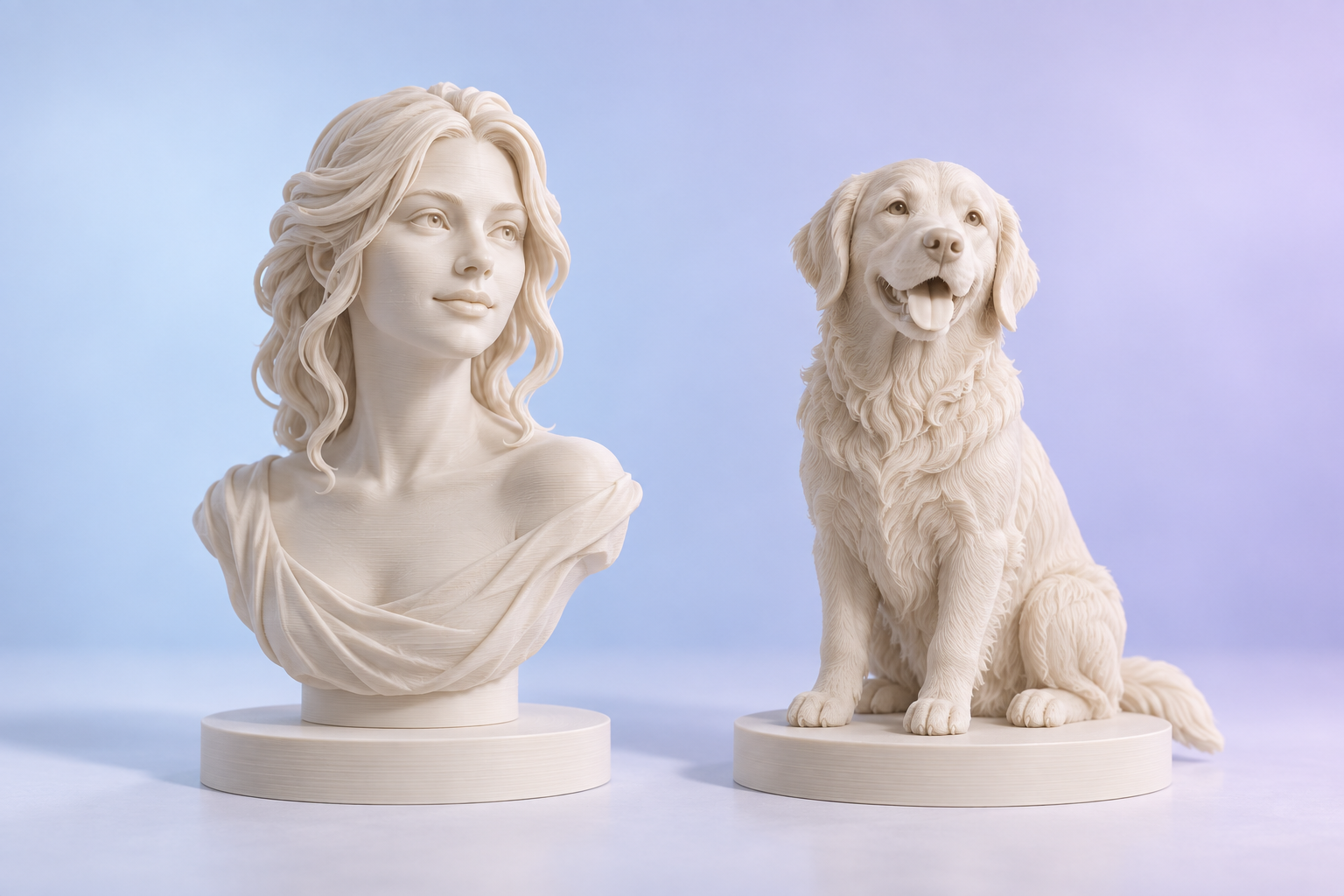
Turn a familiar face into a lasting keepsake.
Portrait & pet photo-to-3D · STL / 3MF models · Bambu Studio workflow
STL3MFBambu Studio
Checking modeling service…
02 · Generate & preview
◇
Start your creation with a photo
Displays real STL geometry only. AI infers unseen surfaces; check holes, thin walls, overhangs and printability manually.
03 · Download & slice
Import STL or generic 3MF in Bambu Studio → choose the actual printer, nozzle, material, dimensions and supports → slice and inspect paths → export the sliced file. Generic 3MF is not ready-to-print toolpath data. Textures are not AMS color separation.
Physical production is quoted by model, material, size and finishing. No consumer payment, order or printer control occurs here.